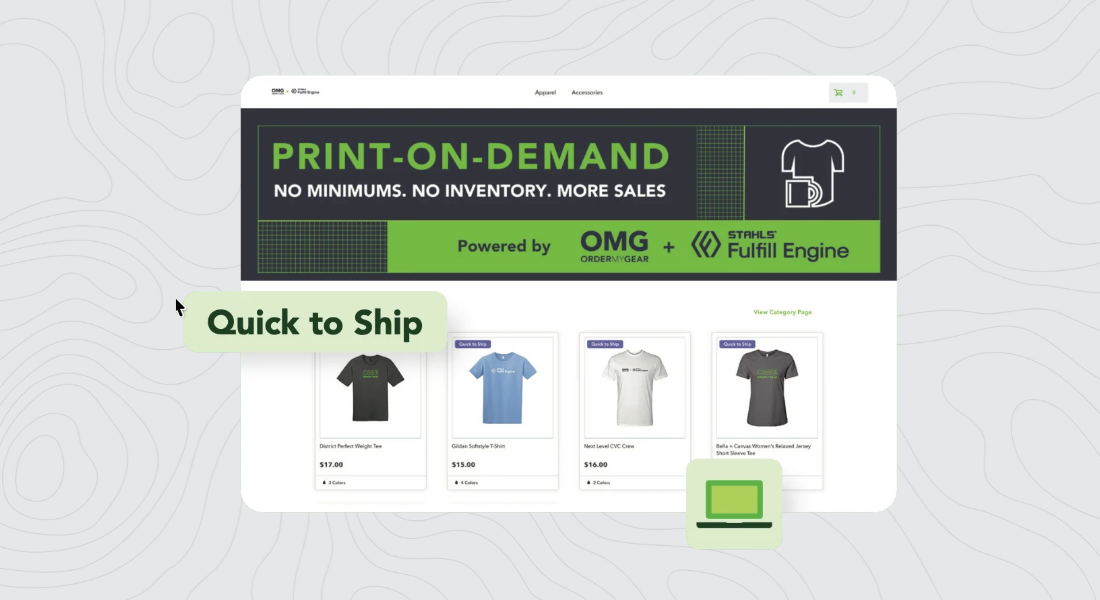
A guided way for shoppers to personalize their own gear — no blank canvas, no design software to learn.
Shoppers pick a color, add a name, drop in a logo, then check out. You build the product once. Behind the scenes, STAHLS’ Fulfill Engine sources it, decorates it, and ships it straight to them.
Feature Highlights
Built once, filled in by shoppers.
You set the fields, whether they’re required, and where they land — front, back, or a sleeve. Shoppers pick from your list or type their own text.
No warehouse required
STAHLS’ Fulfill Engine sources, decorates, and ships every order — DTF, DTG, embroidery, or engraving — across thousands of products. No minimums.
Looks custom before it ships
Product Mockups and Virtual Samples put a shopper’s logo right on the item. A built-in image library with millions of stock designs covers dealers without an in-house artist.
Works for decorators, too
Screen printers catching overflow orders and embroidery shops done with PO requests in their inbox run it the same way. Pick the methods your shop already handles.
Getting Started
- Create your Fulfill Engine account under My Account & Integrations.
- Connect your Account ID and API key – one to two business days, on average.
- Import products, choose a decoration type, and add your artwork.
Available now on Pop-up and Redemption Stores. Need name-and-number personalization for a team or company store instead? Product Personalization handles that.
Learn more about Print-on-Demand Stores