See Results Easily
Catch the Slow Store in Week Two, Not Week Six
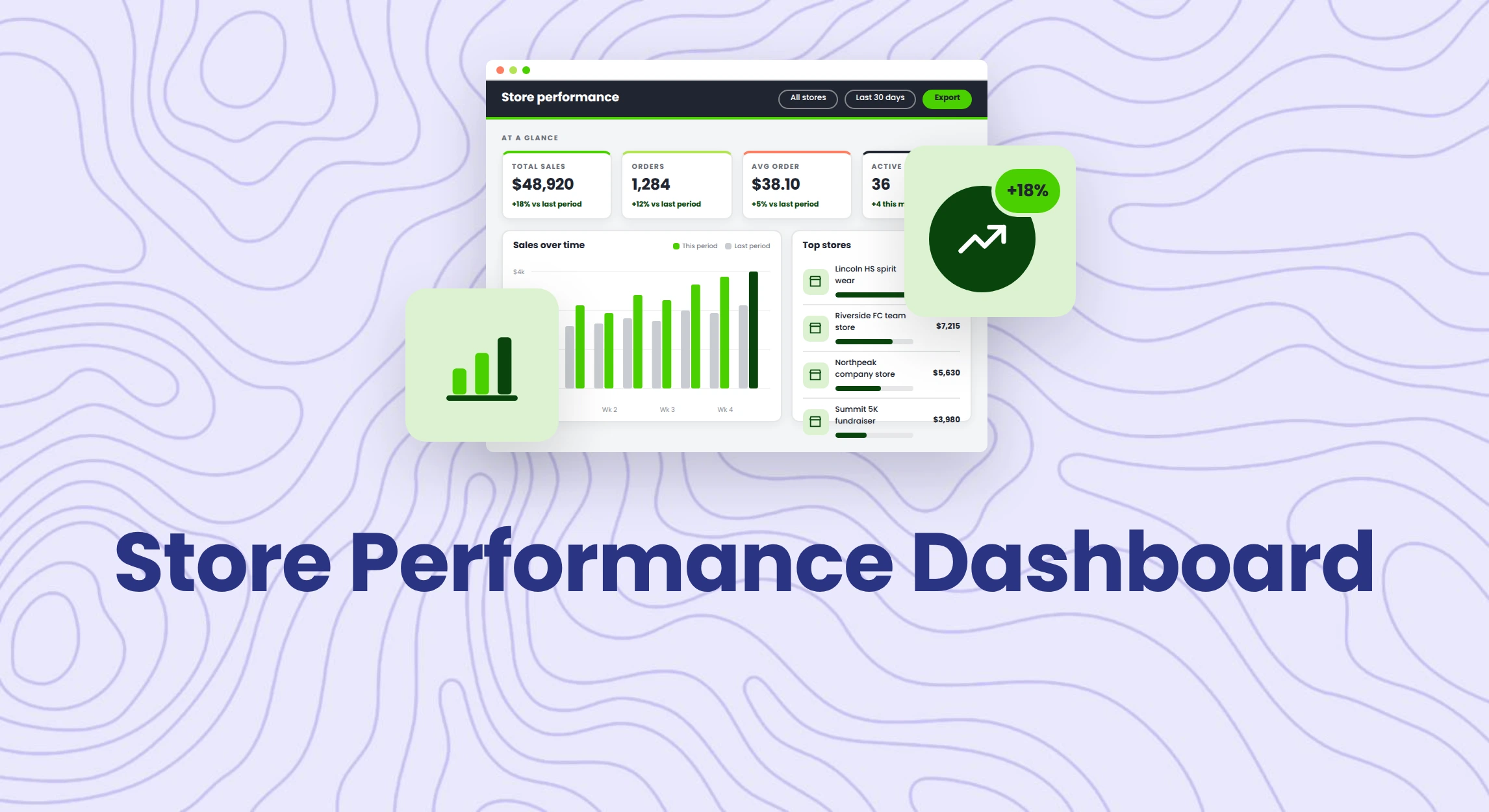
The OMG dashboard is built around how Pop-ups, Redemption, and Company stores actually sell.
Most dealers don’t notice a struggling store until the deadlines have already passed. Log in to your OMG account and access your numbers easily without exporting.
Feature Highlights
Everything on login, nothing to dig for
Sales Performance for the last 7 days and the month, every store you’re running, Yearly Opportunities that resurface likely renewals, and a Parent Account view across child accounts.
Reporting built for how you sell
Pop-up and Redemption Stores drag columns into a saved template. Company Stores report through their own admin, with a Sales Report that breaks out tax, shipping, and decoration.
Let clients see their own numbers
Give a client’s login group access to Orders and Reports only, then hand them their store’s own admin URL. No CSV, no waiting on an email.
Fundraisers track themselves
A live Fundraising Tracker and Fundraising Report mean a booster club parent or school admin can check progress without calling their rep.
Giving a Client Access
- Open Users & Groups and edit your client’s permission group.
- Under Administrative Permissions, choose Hide all admin except, and check only Orders and Reports.
- Save, then send the client their store’s own admin URL.
Available today across Pop-up, Redemption, and Company Stores. Custom Report Builder and the Sales Report live inside Company Stores’ own admin.
Curious what your own dashboard could look like?