The Importance of a Great Presentation
If you’re like most branded merch teams, you’ve probably sent product ideas through email attachments, PowerPoint decks, or shared links—only to wait days (or weeks) for customer feedback.
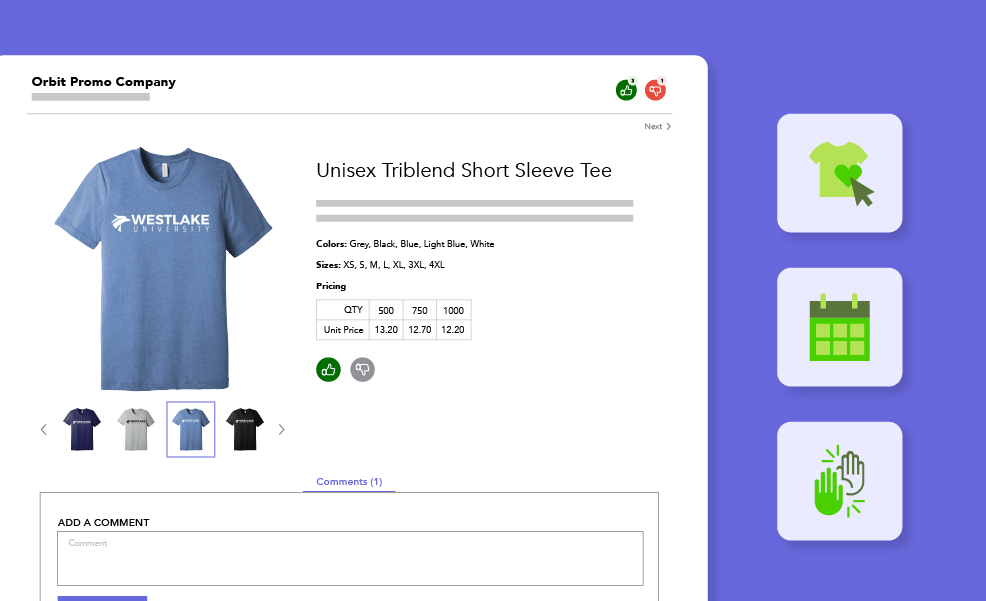
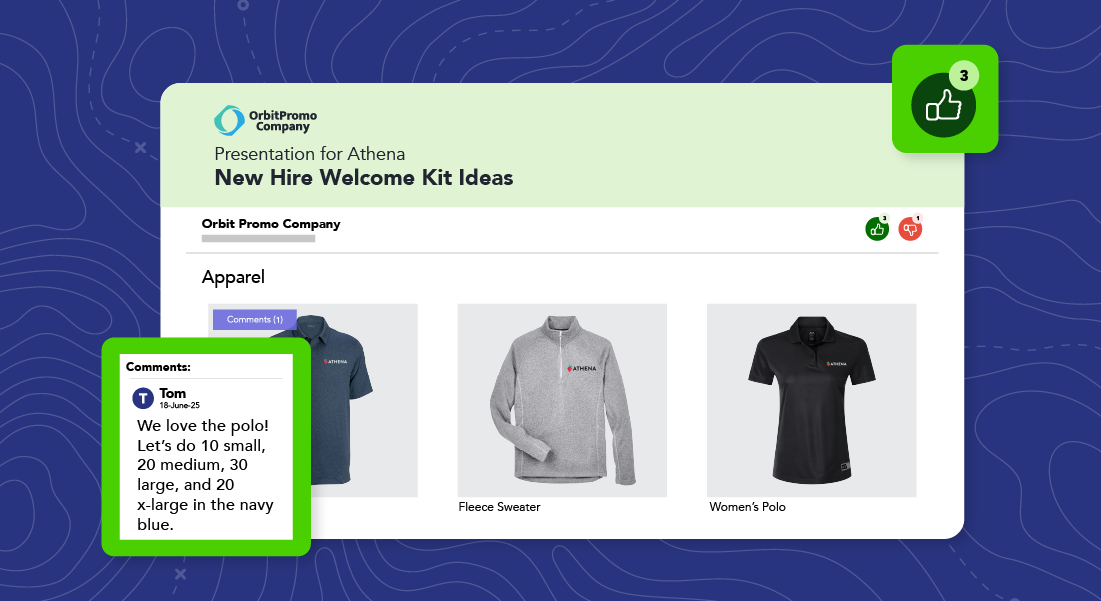
OMG Presentations were built to fix that. This interactive sales tool helps you pitch branded merchandise more effectively by combining product discovery, personalization, and feedback in one place. Instead of sending static product links, PowerPoint presentations, or PDFs, you can create a shoppable digital catalog where customers can comment, like, and approve products in real time.
The result? A faster, more engaging way to move customers from idea to approved order. And with the right approach, you can turn every presentation into a polished, professional sales experience that drives action.
After reviewing hundreds of presentations and seeing what performs best, we’ve identified several key best practices that help distributors create winning OMG Presentations that stand out, spark engagement, and close more sales.
1. Personalize the Experience
Your presentation is more than a list of products—it’s part of your customer’s experience with your brand. Start strong by adding a short, friendly welcome message that tells your customer what to expect and what you’d like them to do next.
Example:
“Hey Sarah, I pulled together a few great ideas for your fall event. Take a look and leave comments on the ones you love—or any questions that come up!”
This small personal touch helps customers feel guided and confident, setting the tone for collaboration.
Pro Tip: Explain in the welcome message what your customer should include in their comments—like confirming quantities, decoration options, or deadlines.
Personalized Welcome Messages Builds Trust
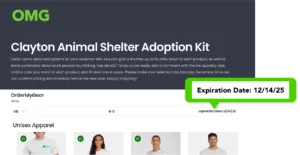
2. Create Urgency with Expiration Dates
Urgency motivates action. Adding an expiration date to your presentation helps customers make faster decisions and keeps projects moving, while also keeping yourself and your sales reps on top of presentations that are expiring soon.
Set a clear deadline—typically 10–14 days—to create a sense of urgency and clarify when pricing or product availability might change. You can add the expiration both in your welcome message and within the platform to ensure proper reporting and follow-up.
Example:
“Please make your selections by Monday, December 14 so we can confirm pricing and inventory before the new year.”
Create Urgency with Expiration Dates
3. Curate and Organize Like a Retailer
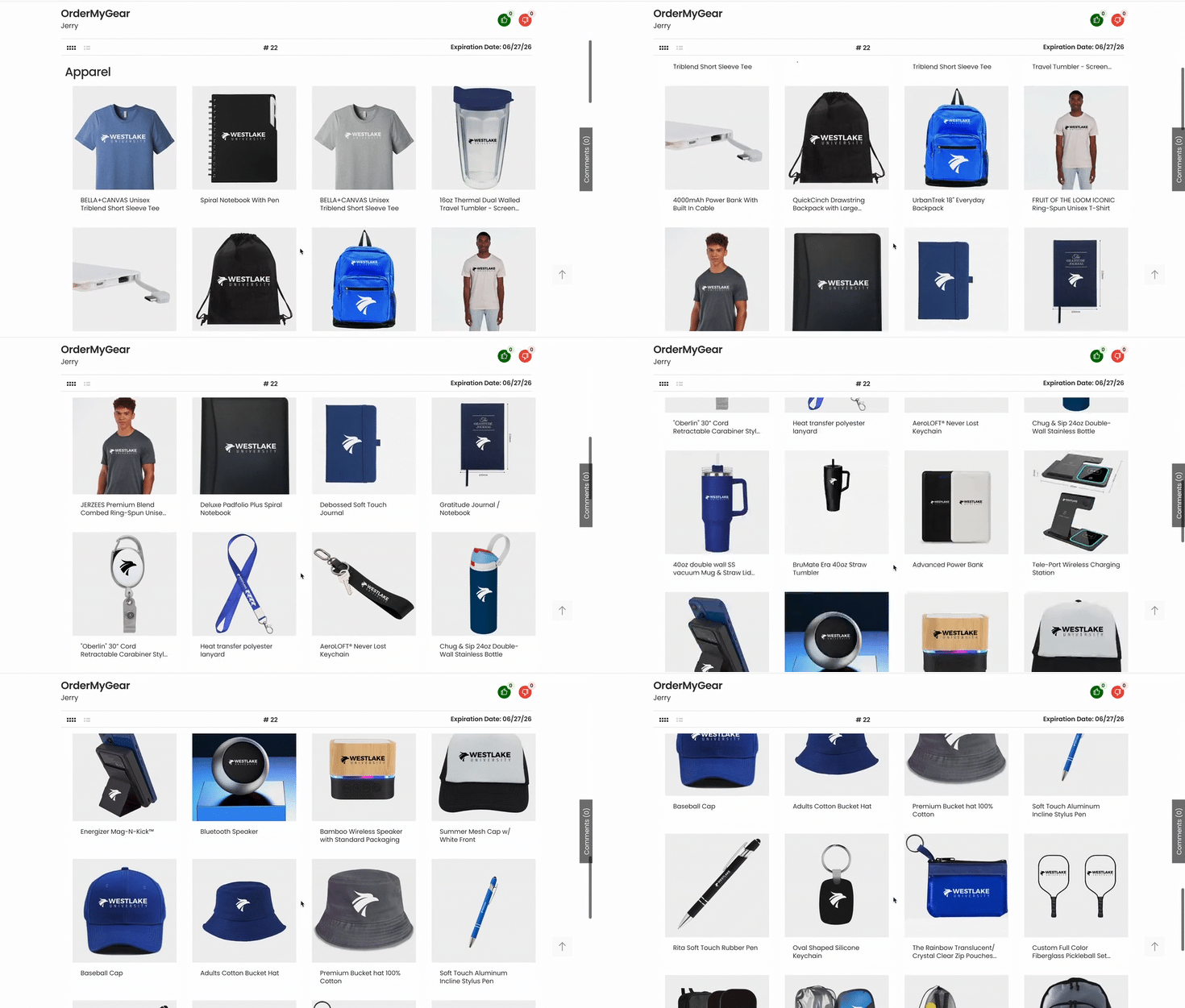
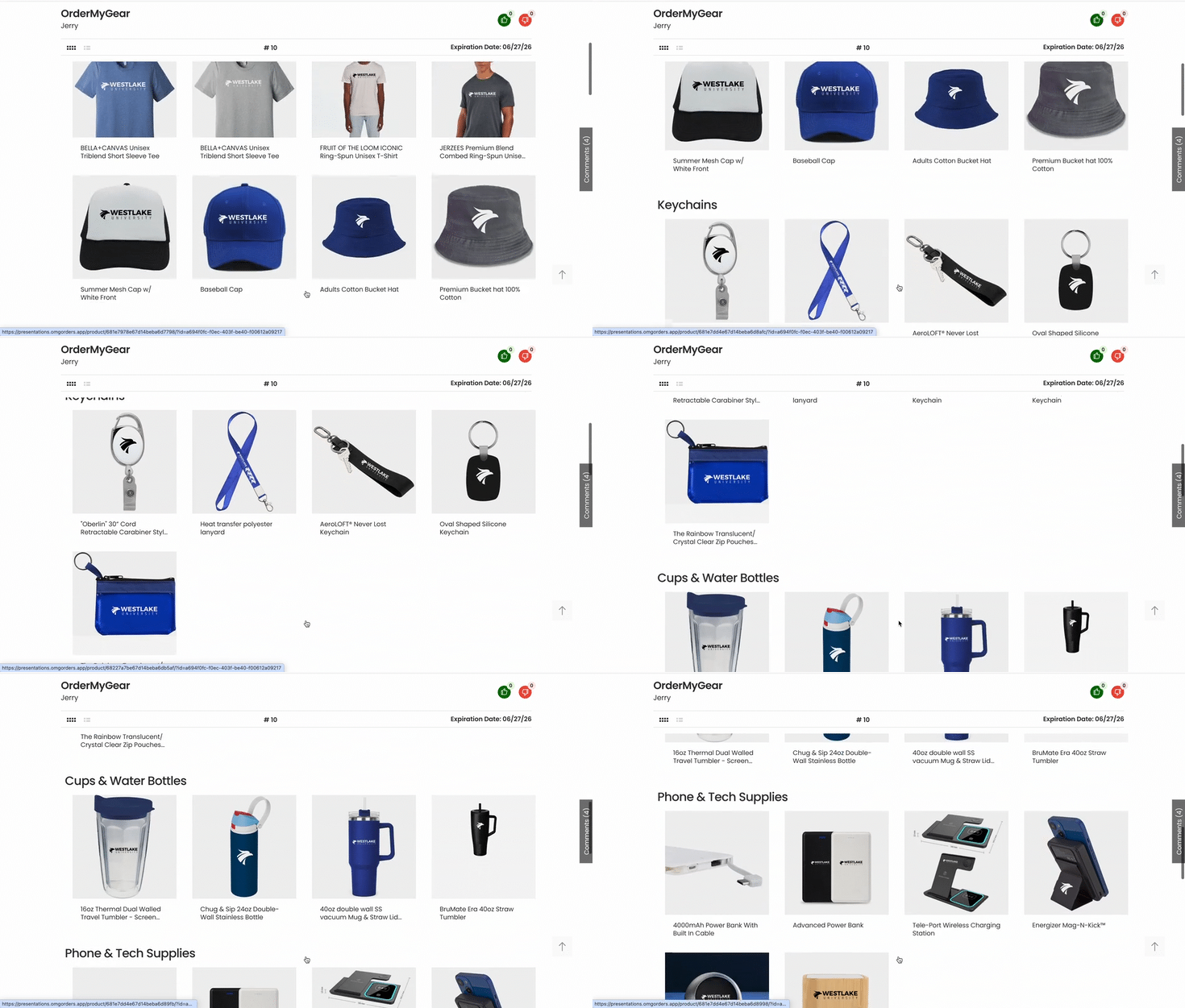
Customers respond to polished, organized presentations that feel easy to browse. Keep it simple and visually appealing:
- Group products by category (Apparel, Drinkware, Bags, etc.)
- Offer a “good, better, best” selection within each category to simplify decision-making and make it easy to fit within your customer’s budget
- Include product options at multiple price points
- Limit to 10–20 items to prevent choice overload and maintain focus
This structure mirrors the experience of shopping online—and it’s proven to increase engagement and response rates.
Example of an Unorganized Presentation without Categories
Example of an Organized Presentation with Categories
4. Rewrite Product Descriptions for Customers, Not Distributors
Suppliers write descriptions for distributors who care about specs and materials. Your customers, on the other hand, care about comfort, quality, and fit.
Here’s an easy win: rewrite supplier-provided copy in a tone that feels more like retail.
Supplier Description example:
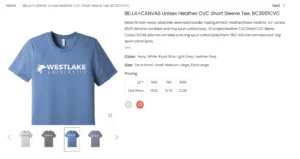
BELLA+CANVAS® Women’s Baby Rib Tank: Slim fit, 1×1 micro rib, side-seamed, tear-away label, 5.8-ounce, 100% Airlume combed and ring spun cotton, 32 singles.
Rewritten for Customers example:
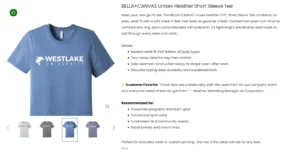
A soft, fitted tank that feels as good as it looks. Made with premium Airlume cotton for a smooth, flattering fit that holds its shape wear after wear—perfect for workouts, events, or weekends.
You can use tools like ChatGPT, Google Gemini, or Grok to help rewrite descriptions faster. Just provide context (like audience or use case) and paste the supplier text to generate retail-style copy.
Prompt example:
“Imagine you’re a promotional product distributor. Help me rewrite this product description so it’s more appealing to potential customers. Maintain the key points, but make it unique and like a description you’d see on a retail website.”
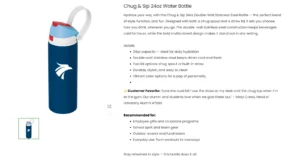
Pro Tip: Add short bullet points like “Recommended for corporate programs, spirit wear, or events,” or include a customer quote for social proof.
Example of a Customer-Friendly Product Description
Example of a Supplier-Focused Product Description
5. Include Context and Social Proof
Customers make faster decisions when they can imagine how a product fits their needs. Try adding bullets or short notes that provide context within the product description—like recommended use cases, event types, or industries.
You can also include short testimonials or quotes from other customers:
“Our team loved these hoodies—super soft and perfect for our fall retreat!” – Jenna Reacher, HR Director
Adding social proof builds trust and helps customers feel confident about their purchase decisions.
Add Testimonials and Context
6. Review Before You Share
Before hitting “Share,” preview your presentation and check:
- All images display correctly and match the product
- Pricing and descriptions are accurate
- Your welcome message and expiration date are visible
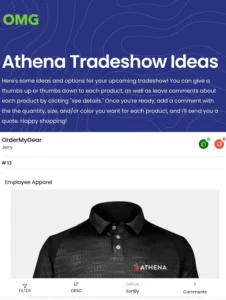
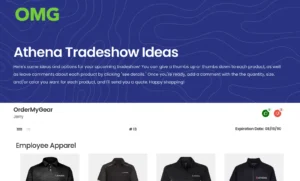
- The layout looks clean on both desktop and mobile
A quick review ensures your presentation looks professional and polished—just like your brand.
OMG Presentation Mobile View
OMG Presentation Desktop View
Bonus Tips to Level Up Your Presentations
- Add your logo and brand colors: Use custom branding settings to make every presentation feel consistent with your company’s look and feel.
- Duplicate successful presentations: Reuse your best layouts or seasonal ideas to save time and maintain consistency.
- Follow up at the right time: Use the expiration report to see which presentations need attention so you never miss an opportunity to close.
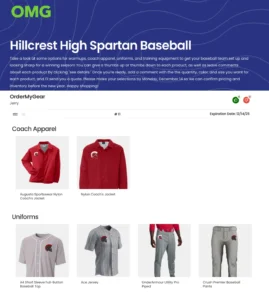
Example of a Winning Presentation
Here’s what a strong OMG Presentation typically includes:
- A branded header with your logo and colors
- 2–3 curated product categories (Apparel, Drinkware, Accessories)
- Customer instructions and an expiration date
- Clear feedback options (like/dislike, comments)
- Polished images and rewritten descriptions
To view examples of polished and professional presentations that convert interest into action, visit our Presentation Examples page!
Complete OMG Presentation
Bringing It All Together
The most successful distributors treat presentations like a modern sales tool—not just a product list. By curating thoughtfully, writing for your audience, and guiding them clearly, you’ll help customers make decisions faster and more confidently.
Ready to Create Your Next Winning Presentation?
Creating polished, interactive presentations is easy—and it can completely change how you sell branded merch.
- Sign up for a free 2-week trial – no credit card required
- View the Presentations page to learn more and take a guided tour
- Request a demo to see it in action
Looking for more inspiration? Check out our related posts: 3 Tips for Online Store Success and Building On-Brand Online Stores.